
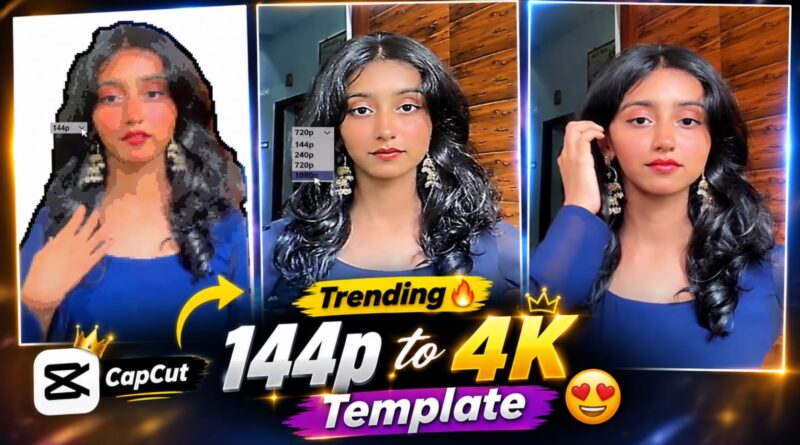
Trending 144 to 4K Reels Capcut Template | Instagram Viral Quality Reels Template – Ghaus Editz
Instagram Reels have become the heartbeat of social media creativity. Every day, millions of creators, influencers, and brands compete to grab attention with short, engaging videos. But what truly makes a Reel stand out? It’s not just the content — it’s the quality, the editing style, and the visual appeal. That’s where CapCut templates come in. And among the most talked‑about templates right now is the Trending 144 to 4K Reels CapCut Template by Ghaus Editz. This viral template is redefining how creators present their videos, offering cinematic quality and professional transitions that instantly elevate any Reel.
What is the 144 to 4K CapCut Template?
The 144 to 4K template is a smart editing preset designed in CapCut that transforms ordinary footage into high‑resolution, visually stunning content. The name itself — “144 to 4K” — symbolizes the dramatic upgrade it provides. Even if your raw video is shot in lower quality, this template enhances it with crisp resolution, smooth transitions, and vibrant effects, making it look like it was professionally edited in 4K.Created by Ghaus Editz, a popular editor known for viral templates, this preset has quickly gained traction among Instagram creators. It’s not just about resolution — it’s about delivering a polished, cinematic vibe that resonates with audiences and boosts engagement.
How to use template Step-by-Step Guide (Working Method)
1. Install Required Apps
- Download CapCut (APK if not on Play Store)
- Download VPN Super Unlimited Proxy or any VPN app
2. Connect VPN
- Open VPN app
- Connect to Singapore / Indonesia / USA server
- 👉 This step is important, warna template open nahi hoga
3. Open Template Link
- Click on CapCut template link
- It will redirect to CapCut app
4. Use Template
- Tap on “Use Template”
- Select your photos/videos
- Let CapCut auto-generate video
5. Export Video
- Tap Export (No Watermark option if available)
- Video save ho jayega gallery mein
Tips to Go Viral with This Template
- Use Trending Audio: Pair the template with popular songs or sounds.
- Add Captions: Text overlays make your content accessible and engaging.
- Leverage Hashtags: Use niche and trending hashtags to reach wider audiences.
- Post Consistently: Regular uploads increase visibility and follower growth.
- Engage with Comments: Replying to viewers builds community and loyalty.
Why Ghaus Editz Stands Out
Ghaus Editz has built a reputation for creating viral CapCut templates that resonate with Instagram’s fast‑paced trends. His editing style combines simplicity with cinematic flair, making it easy for creators to produce content that looks professional without needing advanced skills. The 144 to 4K template is just one example of how he empowers creators to shine in the competitive world of Instagram Reels.
The Trending 144 to 4K Reels CapCut Template by Ghaus Editz is more than just an editing preset — it’s a gateway to viral success. By upgrading video quality, adding cinematic transitions, and syncing with trending audio, this template helps creators produce Reels that stand out in Instagram’s crowded feed. Whether you’re an influencer, a brand, or just someone who loves sharing creative content, this template is your shortcut to professional‑looking Reels that capture attention and drive engagement.