
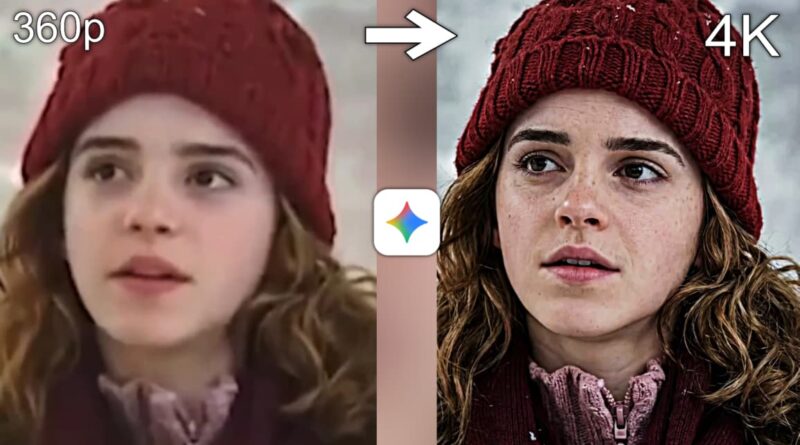
How to Enhance Photo Quality in Google Gemini | Convert Blur Images into HD Quality 4K Gemini Prompt
In today’s digital age, images are more than just visual memories—they are powerful tools for communication, branding, and storytelling. Whether you are a content creator, marketer, or casual user, the quality of your photos directly impacts how your audience perceives your work. Blurry, pixelated, or low‑resolution images can weaken your message, while sharp, high‑definition visuals instantly capture attention. With the rise of AI tools like Google Gemini, enhancing photo quality has become easier, faster, and more effective than ever before. This article explores how you can use Gemini prompts to transform blurry images into HD and even 4K quality, ensuring your visuals stand out in every context.
Why Photo Quality MattersFirst Impressions Count: A crisp image conveys professionalism, while a blurry one suggests carelessness.Social Media Engagement: Platforms like Instagram, YouTube, and TikTok thrive on high‑quality visuals. Better images mean higher engagement.Brand Identity: Businesses rely on sharp visuals to build trust and credibility.Personal Use: From family photos to travel memories, enhancing quality preserves moments in the best possible way.
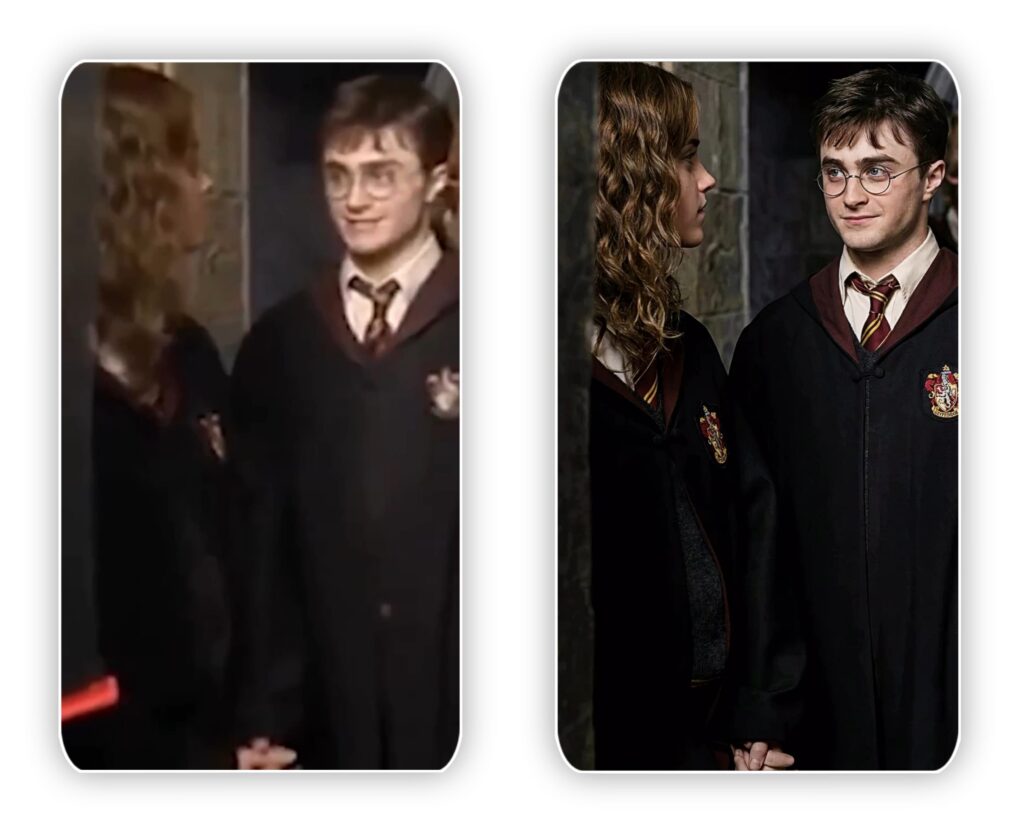
Converting Blurry Images into HD and 4KBlurry images often result from poor lighting, shaky hands, or low‑resolution cameras. Traditional editing tools can only do so much, but Gemini uses AI‑powered super‑resolution techniques to reconstruct missing details. By analyzing patterns, textures, and edges, it can generate a sharper, more realistic version of your photo.Key Benefits:Upscaling to 4K: Gemini can increase resolution without losing clarity.Noise Reduction: Removes graininess while preserving detail.Edge Refinement: Sharpens outlines for a cleaner look.Color Enhancement: Adjusts tones to make images vibrant and lifelike.
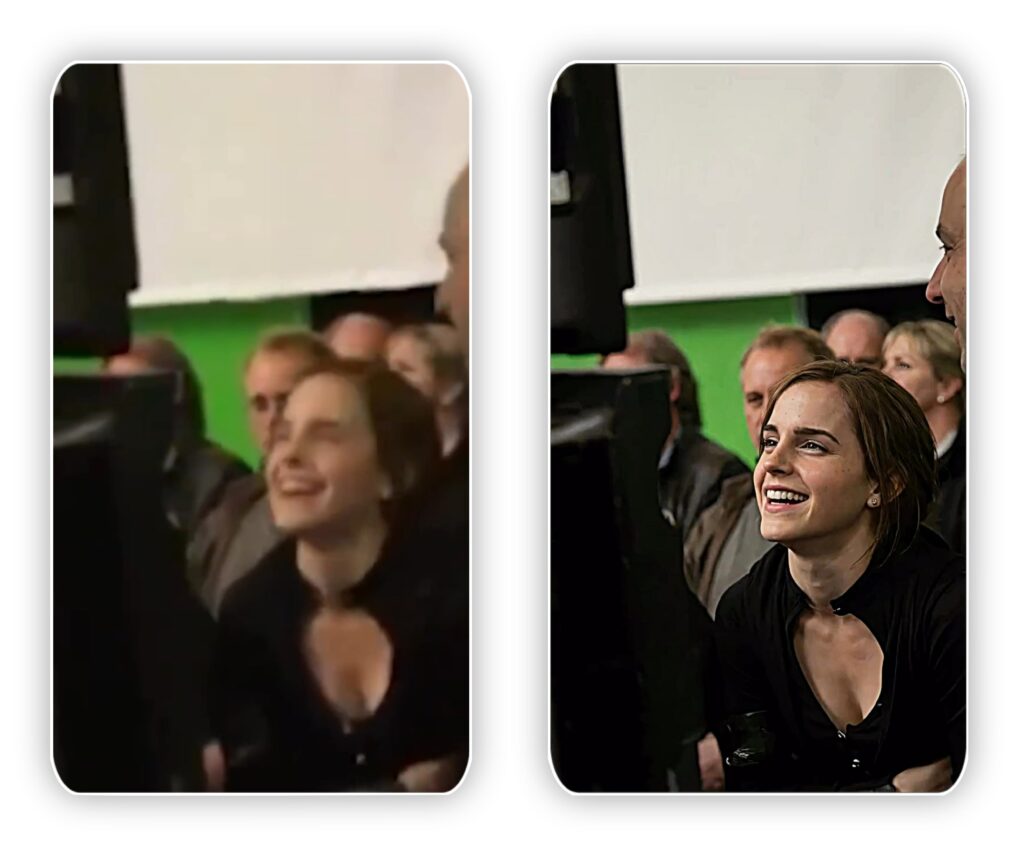
BACK-UP PROMPT:- Ultra-high-resolution 4K enhancement based strictly on the provided reference image. Absolute fidelity to original facial anatomy, proportions, and identity. Preserve expression, gaze, pose, camera angle, framing, and perspective with zero deviation. Clothing, hair, skin, and background elements must remain unchanged in structure, placement, and design.Recover fine-grain detail with natural realism. Enhance pores, fine lines, hair strands, eyelashes, fabric weave, seams, and material edges without introducing stylization. Maintain original color science, white balance, and tonal relationships exactly as captured. Lighting direction, intensity, contrast, and shadow behavior must match the source image precisely, with only improved clarity and expanded dynamic range. No relighting, no reshaping. Remove any grain.Apply controlled sharpening and high-frequency detail reconstruction. Remove compression artifacts and noise while retaining authentic texture. No smoothing, no plastic skin, no artificial gloss. Facial features must remain consistent across the entire image with coherent anatomy and clean, stable edges.Negative constraints: no warping, no facial drift, no added or missing anatomy, no altered hands, no distortions, no perspective shift, no text or graphics, no hallucinated detail, no stylized rendering. Output must read as a true-to-life, photorealistic upscale that matches the reference exactly, only clearer, sharper, and higher resolution.
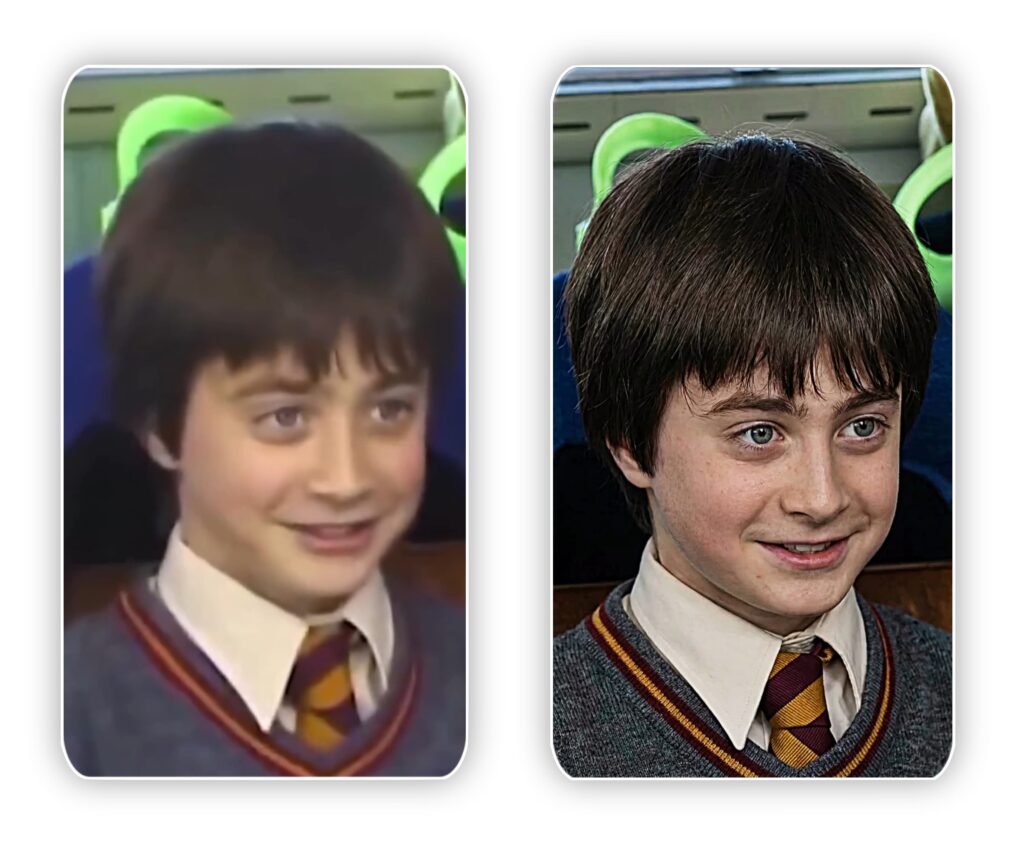
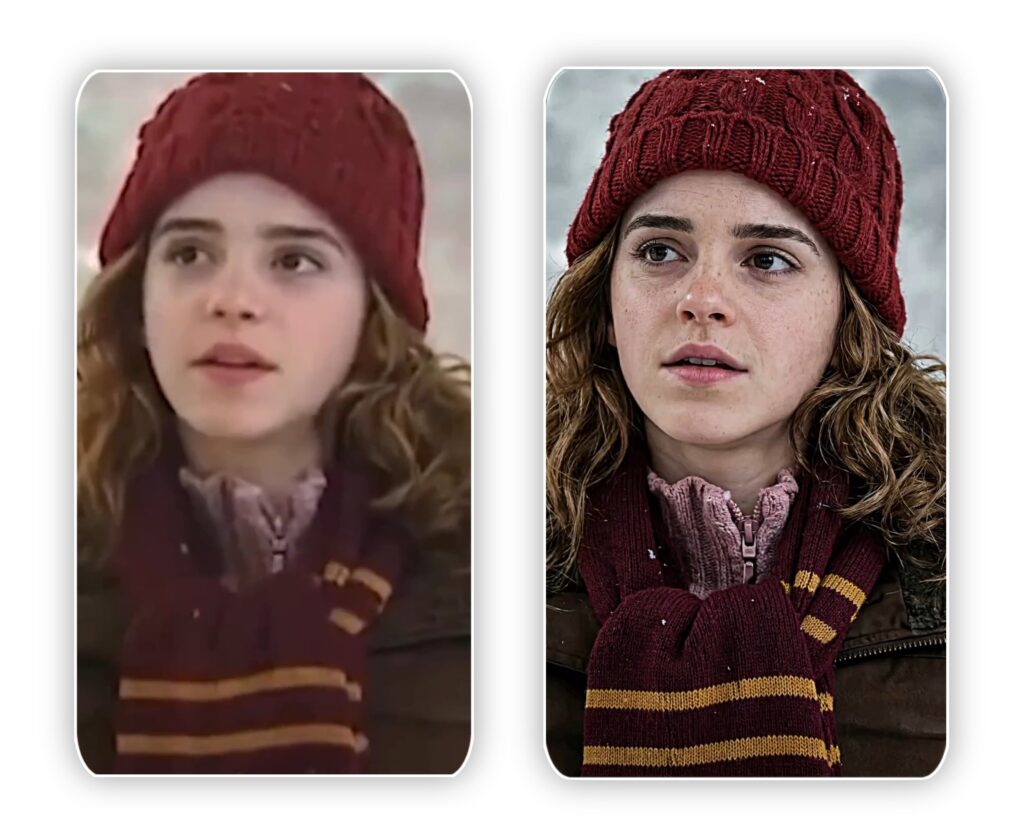
PROMPT:- Ultra-premium professional image enhancement.Preserve 100% original identity, face structure, expression, pose, clothing, accessories, background, framing, and composition.Do NOT alter, redesign, replace, or add anything.Transform the uploaded low-quality, blurry image into extreme high-detail cinematic quality.Recover micro-details:sharp facial featurescrisp eyesnatural skin texturevisible poresrealistic hair strandsclean refined edgesHigh-contrast clarity, deep depth, and balanced cinematic lighting.Poster-grade realism with dramatic but accurate detail.Photorealistic textures only. True-to-source enhancement only.Output in 8K resolution, ProRes quality, studio-level sharpness.Keep everything exactly the same — only enhance quality.
Converting Blurry Images into HD and 4KBlurry images often result from poor lighting, shaky hands, or low‑resolution cameras. Traditional editing tools can only do so much, but Gemini uses AI‑powered super‑resolution techniques to reconstruct missing details. By analyzing patterns, textures, and edges, it can generate a sharper, more realistic version of your photo.Key Benefits:Upscaling to 4K: Gemini can increase resolution without losing clarity.Noise Reduction: Removes graininess while preserving detail.Edge Refinement: Sharpens outlines for a cleaner look.Color Enhancement: Adjusts tones to make images vibrant and lifelike.
Enhancing photo quality is no longer a tedious task reserved for professional editors. With Google Gemini, anyone can transform blurry, low‑resolution images into stunning HD or 4K visuals using simple prompts. Whether you’re a business owner looking to improve product photos, a content creator aiming for higher engagement, or someone preserving personal memories, Gemini offers a powerful, accessible solution. The key lies in crafting clear, descriptive prompts that guide the AI toward your desired outcome.By embracing this technology, you not only save time but also elevate the impact of your visuals. In a world where attention spans are short and competition is fierce, high‑quality images can make all the difference. With Gemini, the future of photo enhancement is here—and it’s sharper, brighter, and more powerful than ever.