

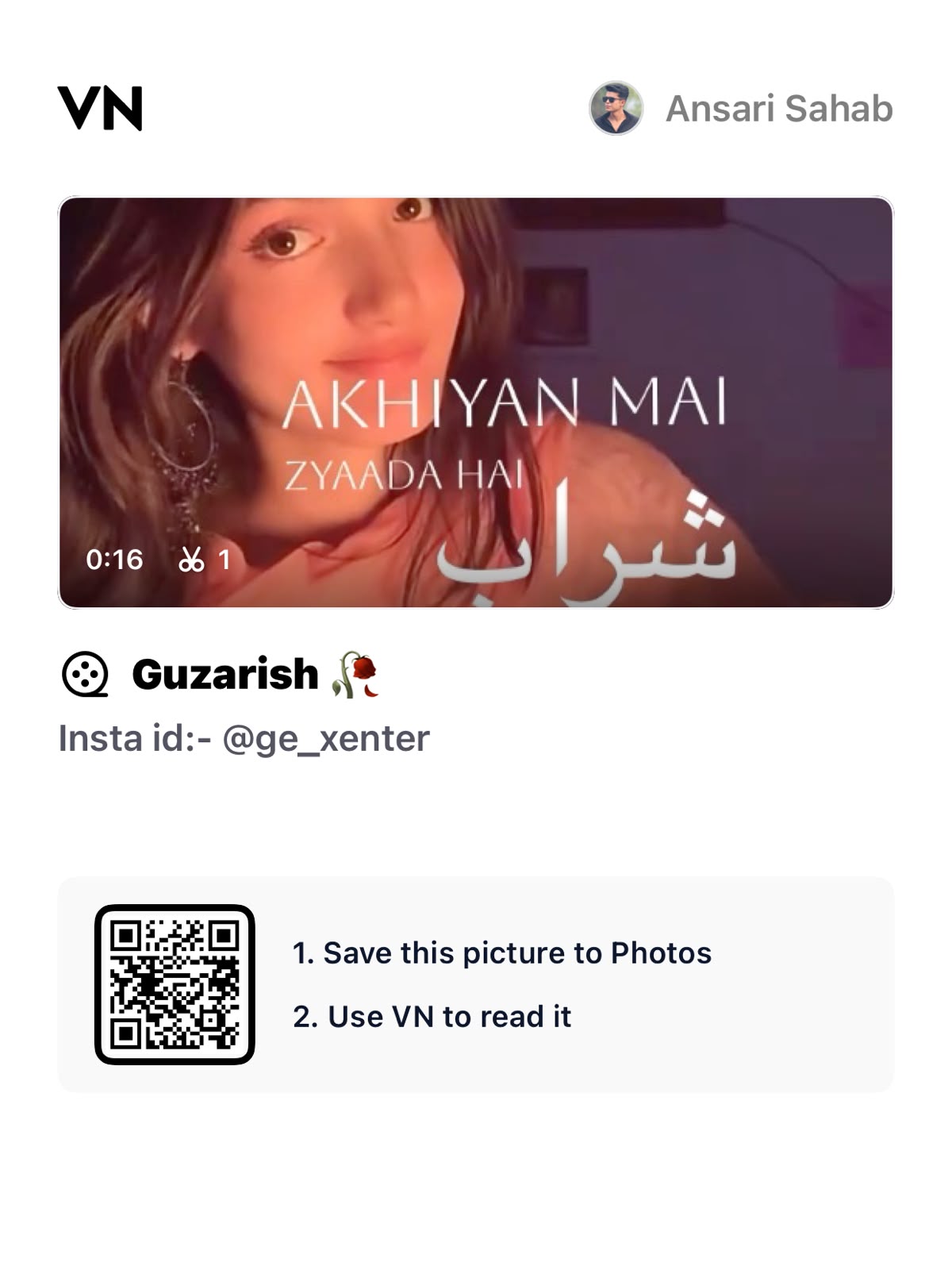
Ke Nasha Akhiyon Mein Zyada Hai Sharab Se Reels VN Template Code | Guzarish Song Reels VN Code
Short-form video algorithms heavily reward precision synchronization between audio transients and visual cuts. The soulful acoustic cadences of “Guzarish” paired with the expressive lyric “Ke Nasha Akhiyon Mein Zyada Hai Sharab Se” provide an exceptional sonic framework for mood-driven, cinematic visual edits on Instagram Reels and YouTube Shorts.
This guide delivers an end-to-end blueprint for deploying, modifying, and perfecting the official VN Video Editor preset code for this track, transforming raw camera footage into an algorithm-ready short-form edit.
Direct Import Instructions
- Download and launch the official VN Video Editor app.
- Navigate to the top-right corner of the primary home dashboard and tap the Scanner (QR Code / Direct Import) icon.
- If scanning directly, align your viewport with the designated project QR code graphic, or paste the template reference string into the custom download manager.
- Allow the cloud assets (overlay LUTs, transitions, beat markers, and shake keyframes) to finish downloading into your local library.
- Tap Use Template (or Download Assets), which unlocks the placeholder asset replacement sequence.
Export Settings for Maximum Bitrate on Instagram
Instagram and TikTok employ aggressive re-compression servers that destroy soft gradients and high-motion frames if files are uploaded incorrectly. Bypass compression degradation with these manual render settings:
- Resolution: 1080p (1080 x 1920) — Avoid exporting in 4K, as Instagram’s compression engine compresses 4K uploads unevenly, often yielding worse compression artifacts than a clean 1080p export.
- FPS: 60 FPS (Ensures silky transitions and speed curves).
- Bitrate Mode: Manual Custom Bitrate.
- Target Bitrate: Set between 22 Mbps and 25 Mbps (VBR). This provides clean gradient transitions without triggering Instagram's excessive file-size throttling.
- Instagram App Setting: Ensure "Upload at highest quality" is switched ON under Settings > Account > Data Usage before publishing.
For more VN template codes, trending reel editing ideas, CapCut templates, AI photo-editing prompts, and creative editing resources, keep exploring Ghaus Editz for new content and ready-to-use editing ideas.