
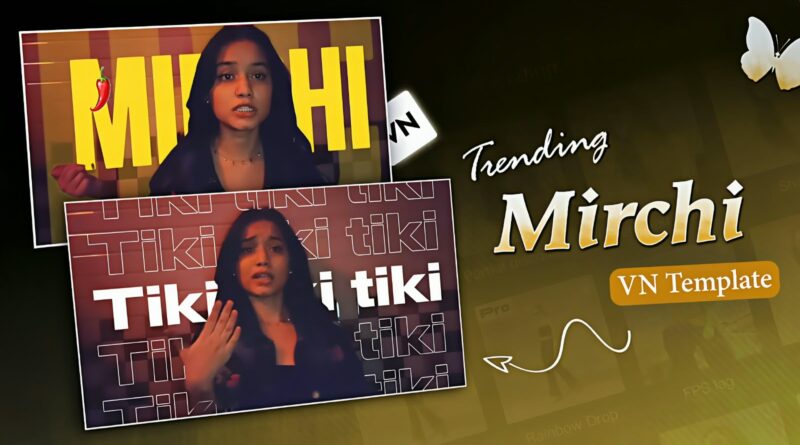
Mirchi Tiki Tiki Mamla Hai Risky Reels VN Template Code | Trending Mirchi Song Reels Editing VN Code
There are some songs that do not need a complicated visual concept to make a Reel feel energetic. Mirchi is one of those tracks. Its punchy beat, memorable hook and confident rap delivery give even a simple photo edit a completely different personality. The “Mirchi, teekhi, teekhi, teekhi, maamla hai risky” portion has a particularly catchy rhythm, which makes it suitable for quick transitions, attitude edits, fashion videos, couple edits and Instagram photo Reels.
That is where a properly arranged VN template becomes useful. Instead of spending time creating every transition, timing every image and matching every movement with the music, you can start with a prepared editing structure and concentrate on the part that matters most—choosing photographs and clips that actually suit the song.
The Mirchi Tiki Tiki Mamla Hai Risky Reels VN Template Code featured on Ghaus Editz is created for exactly this kind of short-form editing experience.
Mirchi Song and Its Popularity
“Mirchi” is a hip-hop track performed by DIVINE, MC Altaf, Phenom and Stylo G. The song is associated with DIVINE’s album Punya Paap, with Phenom handling the music production and DIVINE, MC Altaf and Stylo G credited for the lyrics. The official audio credits also list Phenom for mixing, with Mass Appeal India / Gully Gang as the label.
Why Mirchi Is a Strong Choice for Reels
A successful Reel does not always require dozens of effects. What matters more is how well the visual changes work with the audio.
Mirchi has several characteristics that make it suitable for this format:
- A recognizable hook
- Strong rhythmic sections
- Quick vocal changes
- Energetic rap delivery
- A playful and confident mood
- Natural points for photo transitions
- Enough variation to keep a short edit interesting
For example, a fashion creator can use different outfit photographs for each beat. Someone creating a couple Reel can use selected moments from their photoshoot. A creator making an attitude edit can use close-up portraits, street photographs or cinematic shots.
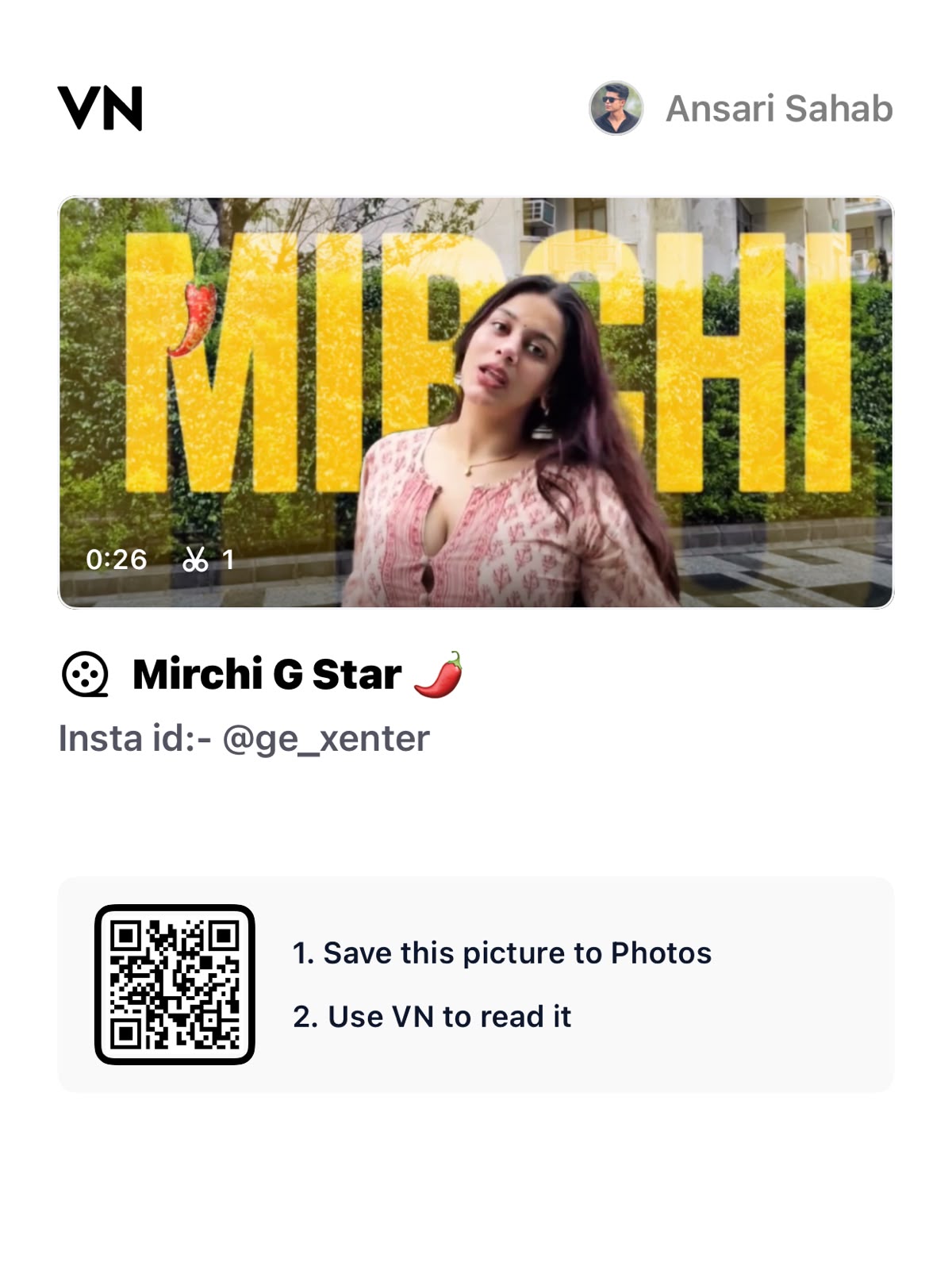
How to Use the Trending Mirchi Song VN Template
- Download or Access the VN Template Code
Start by accessing the Mirchi Reels VN Template Code from the Ghaus Editz page.
Make sure you have the VN Video Editor installed on your phone before beginning the editing process.
- 2. Open the Template in VN
Use the available VN template/import option to open the project.
Depending on your VN version and device, the exact interface may look slightly different. Follow the import instructions shown with the template.
3. Add Your Own Photos or Videos
Once the project is available, replace the existing media with your own photographs or clips.
For the strongest result, choose images that have:
- Good lighting
- Clear facial details
- High resolution
- Proper vertical framing
- Similar visual quality
Avoid selecting random images simply because they look good individually. Think about how they will look when played together as one continuous Reel.
Why Ghaus Editz?
Ghaus Editz is built around practical resources for creators who want to make better social-media edits without turning every project into a lengthy editing session.
The website focuses on VN template codes, CapCut resources, AI photo-editing ideas and other tools that can help creators produce content for Instagram and short-video platforms.
The Mirchi Tiki Tiki Mamla Hai Risky VN Template follows the same approach. Instead of rebuilding the entire edit manually, you can use the prepared structure and spend more time selecting content that represents your own style.